Offline-first electronic pilot logbook
Tarmac Log — the pilot logbook that works without a signal
Your logbook shouldn't need a signal. Log flights on the ramp, in the air, anywhere — Tarmac Log saves instantly on your device and syncs itself when you're back online.


Available on the App Store for iPhone and on Google Play for Android. Free to download.
Features
A pilot logbook that works where you actually fly
Hangars have thick walls. Aprons have no signal. Tarmac Log is a digital pilot logbook that keeps working the moment you lose a bar.
Works without a signal
Every flight is written to your device first and synced afterwards, so the app behaves the same in the air, in a hangar or on the taxiway. No spinners. No “couldn't save”.
Log a flight while the engine cools
Route, times, landings, approaches and crew in one form. Aircraft you fly often are one tap away, and totals update as you type.
Your fleet, recognisable at a glance
Every aircraft carries a low-poly icon matched to what it is — single, twin, turboprop, jet or helicopter — so you can pick the right airframe without reading a registration.
SACAA-format PDF export
Generate an A4 landscape PDF in the format of the South African Civil Aviation Authority (SACAA) for any date range, with a cover page, the full column-by-column spread and totals carried forward across pages.
Totals and currency without the arithmetic
Hours by aircraft type, PIC, dual, night, instrument and cross-country are kept current as you log. Set your primary authority and the breakdowns follow its rules.
Syncs privately across your devices
Your logbook syncs privately to your account and restores on any device you sign in to. It is your record of your flying — not a marketing list.
Screenshots
See it in action
-
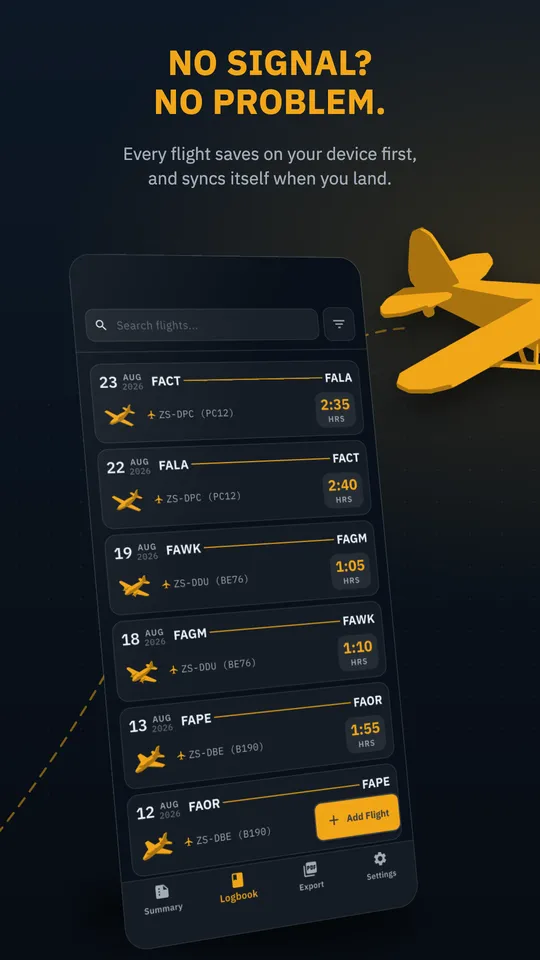
No signal? No problem.Every flight saves on your device first, and syncs itself when you land. -
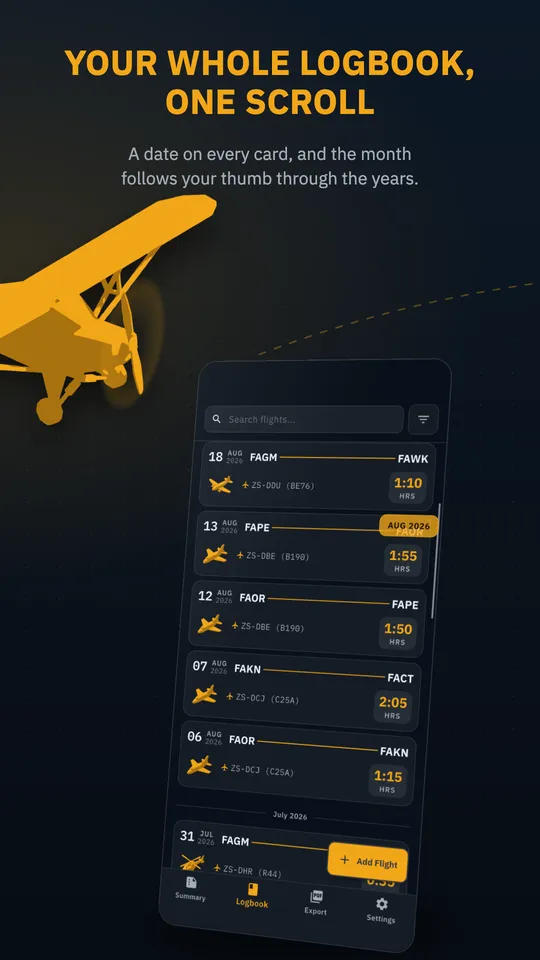
Your whole logbook, one scrollA date on every card, and the month follows your thumb through the years. -
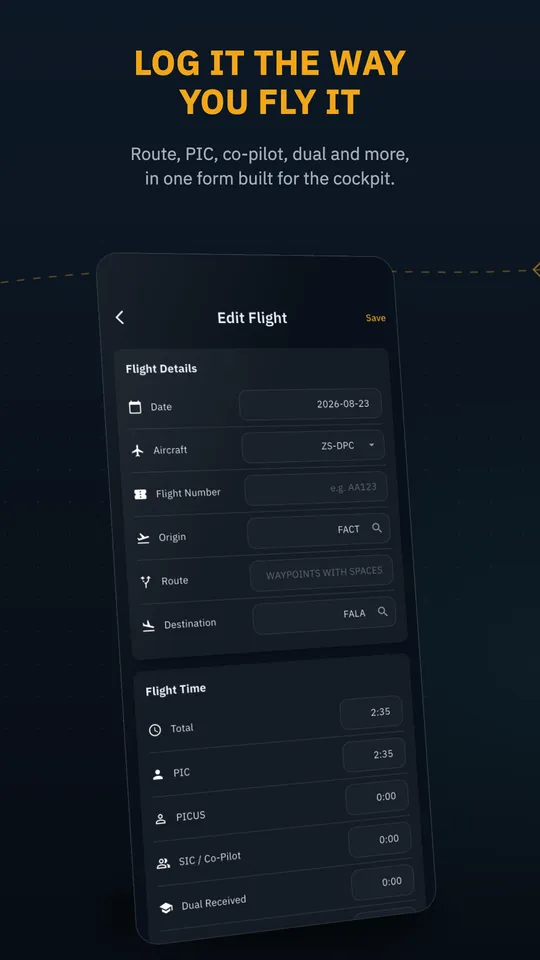
Log it the way you fly itRoute, PIC, co-pilot, dual and more, in one form built for the cockpit. -
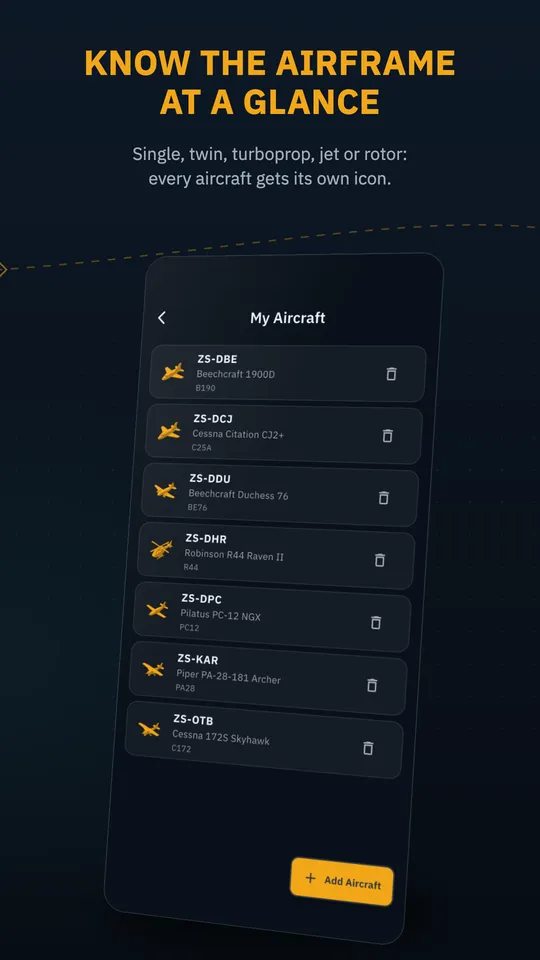
Know the airframe at a glanceSingle, twin, turboprop, jet or rotor: every aircraft gets its own icon. -
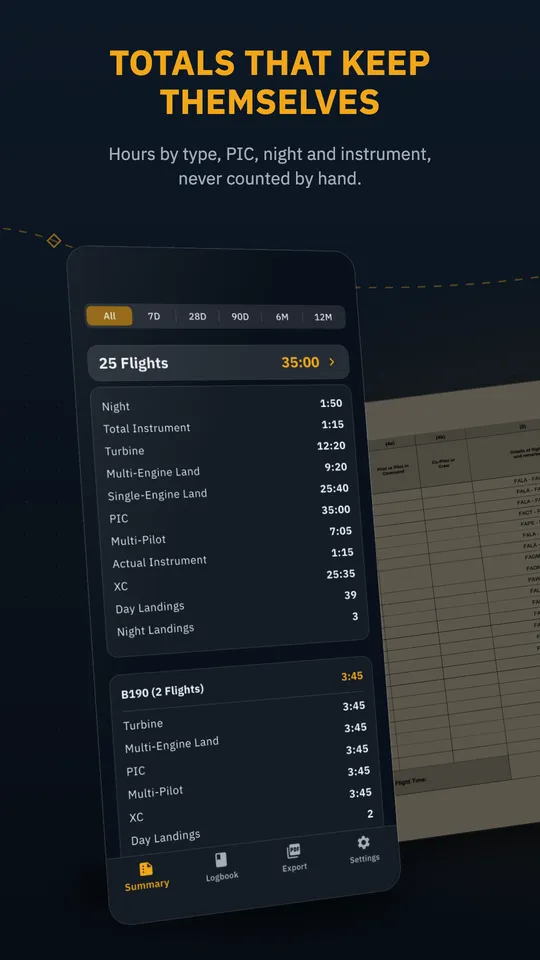
Totals that keep themselvesHours by type, PIC, night and instrument, never counted by hand. -
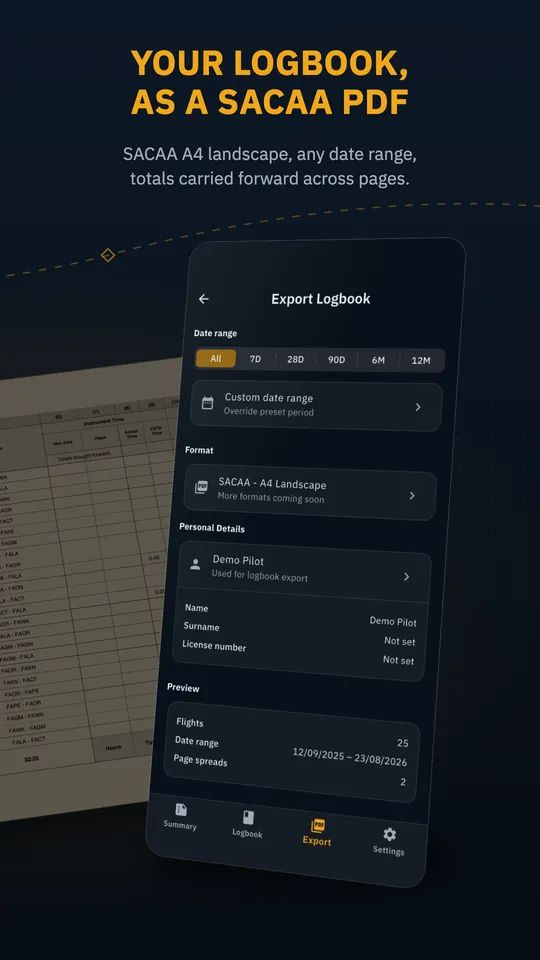
Your logbook, as a SACAA PDFSACAA A4 landscape, any date range, totals carried forward across pages.
Plans
Free and Pro
Start free. Upgrade when you need the whole logbook.
Free
Try it with your next flights
- Log up to 3 flights
- Set up your aircraft, crew and airports
- Works offline, like every plan
Pro
For your full logbook
- Unlimited flights
- SACAA-format PDF logbook export
- Everything in Free
Pro is an optional subscription, purchased in the app.
FAQ
Frequently asked questions
Does it work offline?
Yes. Logging, editing and browsing all work with no connection. Changes are saved on your device and sync themselves once you're back online. Signing in and the first sync need a connection.
Which phones does it run on?
Tarmac Log runs on iPhone and Android. Download it from the App Store or Google Play.
Can I export my logbook?
Yes, with Pro. Tarmac Log generates an A4 landscape PDF in the South African Civil Aviation Authority (SACAA) logbook format for any date range, with a cover page, the full column-by-column spread and totals carried forward across pages. Share it straight to email, print or cloud storage.
Is it free?
Tarmac Log is free to download. The free plan lets you log up to 3 flights and set up your aircraft, crew and airports. Pro is an optional subscription, purchased in the app, that adds unlimited flights and SACAA-format PDF logbook export.
Where is my data stored?
Every flight is saved on your device first, then synced privately to your account when you're online, so your logbook restores on any device you sign in to.
How do I delete my account?
You can delete your account from inside the app, under Settings. Step-by-step instructions are on our Delete Account page.

Download Tarmac Log
Free to download on the App Store and Google Play. Your next flight is already waiting to be logged.